Add your sources
- Upload your papers, notes, or references that you have collected so far about your research topic and let Multilo give it a structured shape according to your required style.
Multilo’s AI draft writer reads your sources and outline, searches millions of papers, and generates a well-structured, citation-ready first draft that you can edit and refine. It is an academic writing workspace and research assistant that is built to simplify your research work.
Set a custom target by page or word count, or use a preset—work without the stress of page limits and switching tabs during work.
Changes are applied directly to your draft inside the workspace. No need to generate new documents every time you ask for a revision.
Every citation is generated as you draft with 30+ supporting citation styles that you can switch anytime. So formatting doesn’t become a separate task at the end.
Run one-click agents—Conciseness, Expand, Simplify, Paraphrase, Summarize, Quiz Maker—directly on sections of your draft.
The Research Gap Auditor flags missing claims or thin sections in your draft while you still have time to address and fix them.
Multilo’s agent—counterargument weaver—helps you flag where your draft needs a counter-response that strengthens your argument.
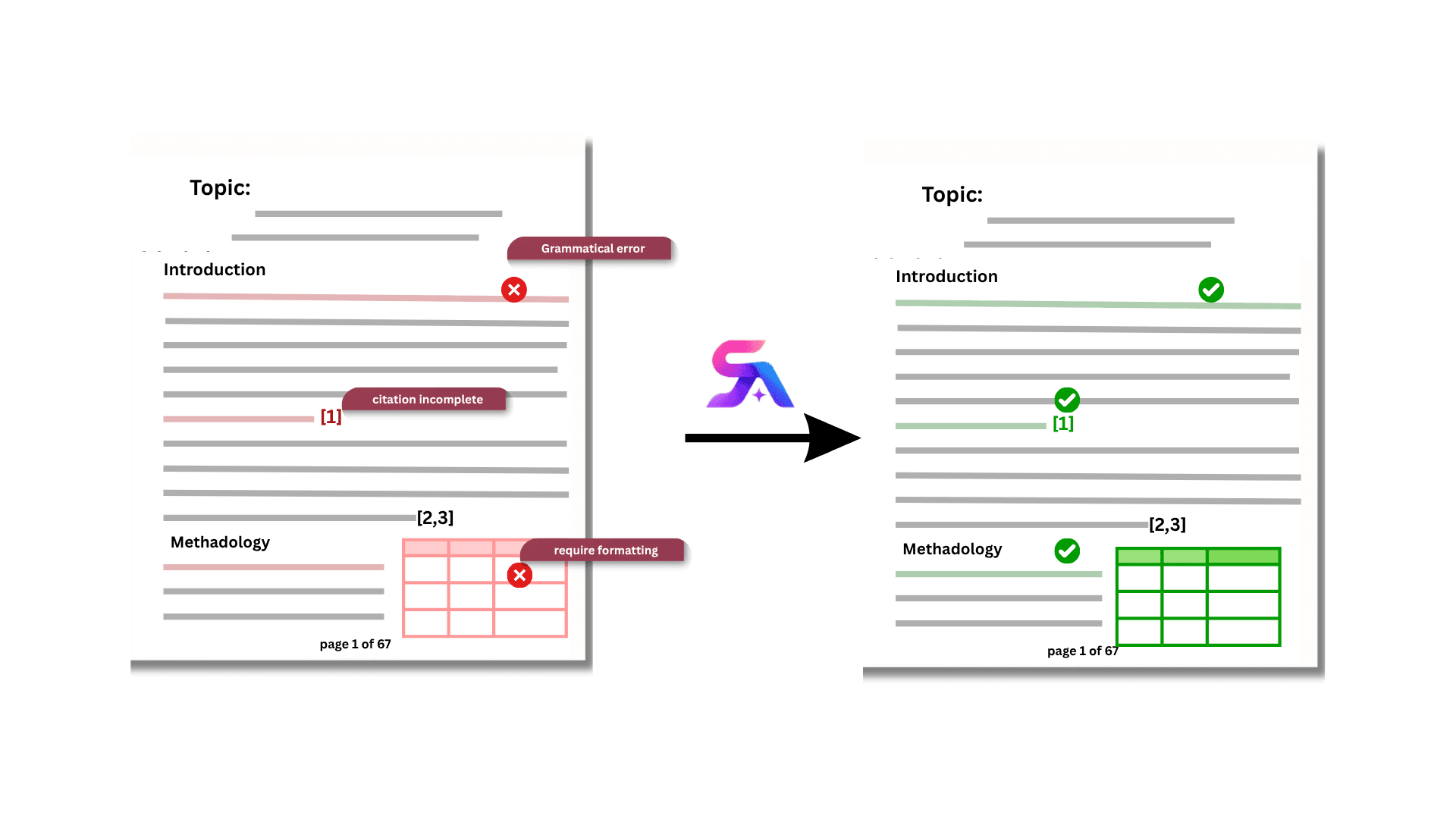
If you are working through several revisions, including the supervisor feedback, restructured argument, or adding a new source, all types of editing happen inside the same draft. Nothing gets exported or re-uploaded, so you can work comfortably.
Edits apply directly to your working document
Formatting and citations stay intact across revisions
Pick up exactly where you left off, session after session
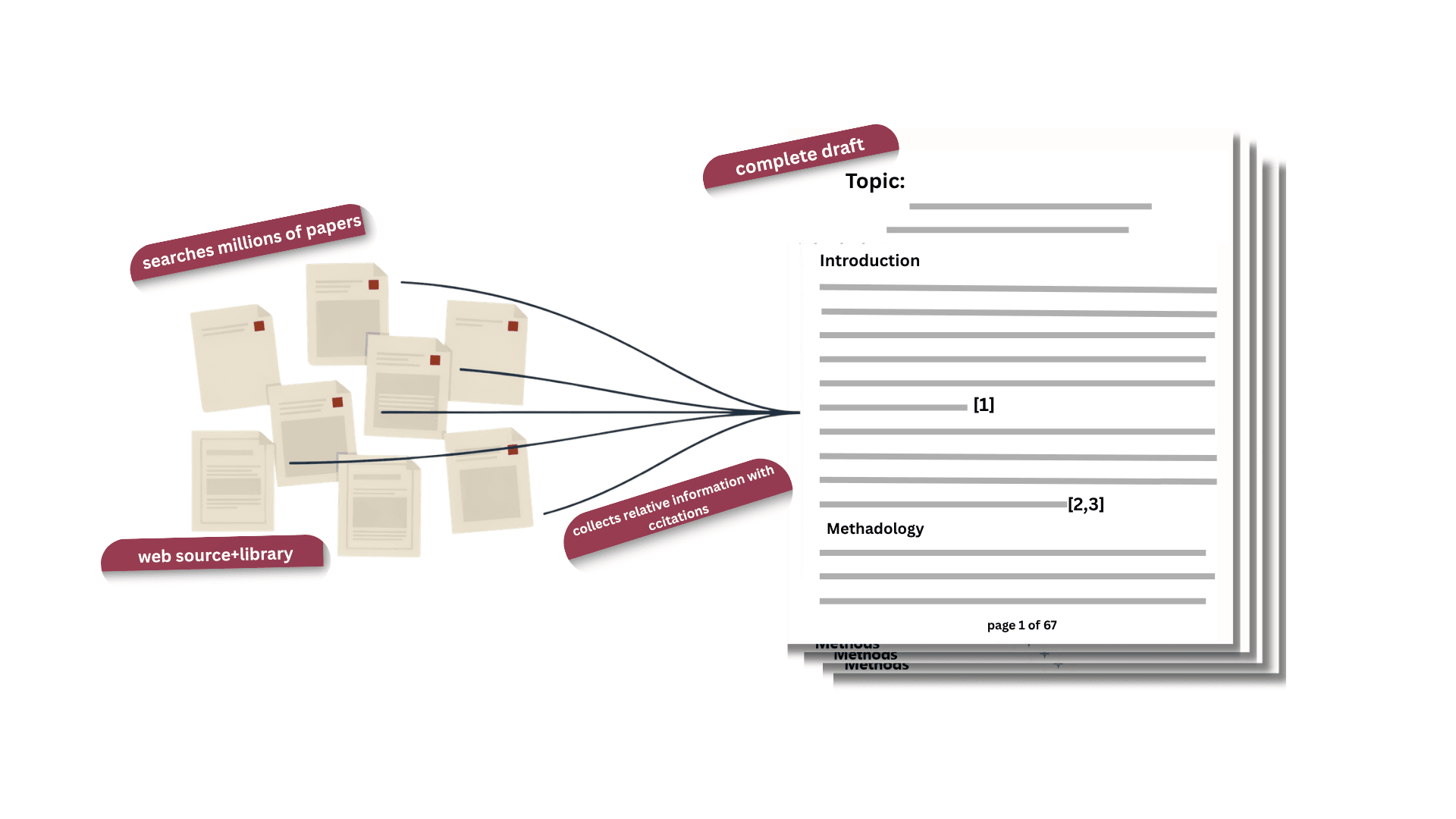
Built for the kind of writing that handles dozens of sources in your library and tens of thousands of words—not a five-paragraph essay.
Handles thesis-length chapters and full literature reviews
Keeps structure consistent across long documents
Draws from your whole project, not the current prompt
However, you’d search for it — thesis writing AI, literature review generator, dissertation writer AI—it’s the same draft writer underneath, adapted to your structure.
Draft a full chapter from your existing notes and sources, structured to your outline—for thesis or dissertation writing alike.
Turn a stack of papers into a synthesized, properly cited literature review draft.
Multilo drafts around your search strategy, inclusion criteria, and synthesis structure—not a generic template.
Use it as an AI paper writer for shorter, focused drafts—coursework, journal submissions, or reports.
Multilo drafts from your sources and outline, so the result reflects your research and structure. Every claim has a supported reference that you can verify from actual sources instead of relying on AI. The draft writer is meant as a starting point that you edit and refine with the help of Multilo agents.
Yes, definitely. The draft opens as a live document in your workspace so you can edit it directly and run one-click editing agents on any section or full draft. Keep working on the same file instead of regenerating every time from scratch like in other AI tools.
Citations are checked as you draft and support more than 30 citation styles. You can verify references against your source list before moving on to the next section. And you don’t need a separate citation generator or reference manager step after writing.
You can add papers, notes, and a reference list to your library and ask Multilo to use only the library if you want your draft limited to those sources. Otherwise, you can also choose open web and library, where Multilo uses your library as well as the open web sources to fill the gaps and deliver a complete draft with no limitations.
No. The desktop app is free to download, and free monthly credits cover the draft writer and several other tools. A subscription unlocks unlimited credits if you need heavier use.
Both, depending on the structure you choose. As an academic writing tool, the same AI draft writer can generate a literature review from your source list or draft a thesis chapter from your notes and outline—you set the structure and length, and it adapts.
Download the desktop app and open your first project — free to start